
Smart phone lockers for the workplace
Pay for hours worked,
not hours scrolled.
Employees have the right to use cell phones however they desire — but not on YOUR dime. PhoneLess locks phones away and tracks the time actually worked.
- 56 min
- lost per day
- $60k
- lost per year
- 100%
- phones supported

The problem
Phones at Work
The average employee spends 56 minutes per work day (5 hours a week) using their cell phone while on the clock.
At $15 an hour, employers lose almost $5,000 a month ($60,000 a year) with only 15 employees.
Source: National survey by OfficeTeam
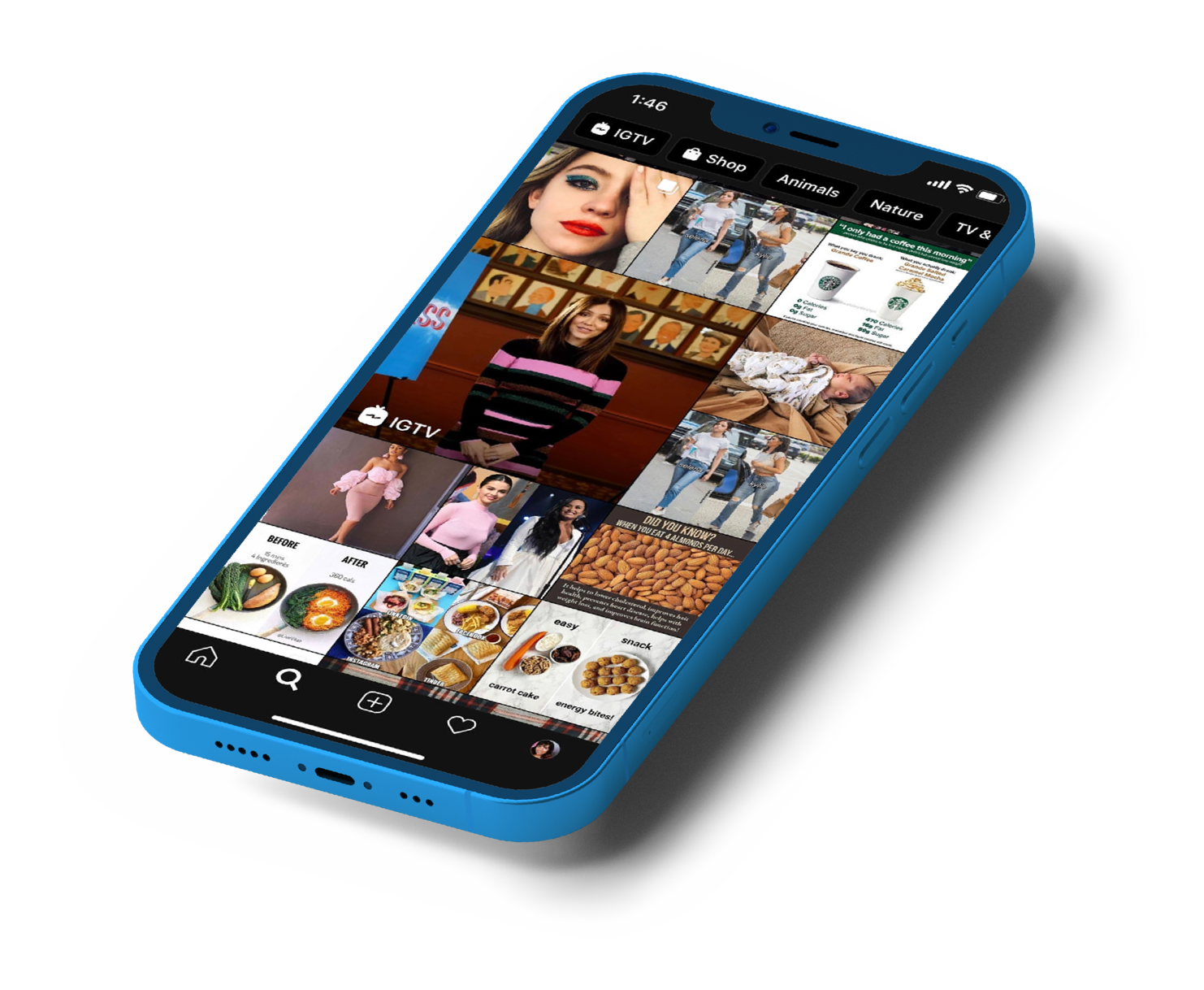
Although a valuable part of our everyday lives, cell phones can be detrimental in the workplace. According to new research in the journal Social Psychology, having a cell phone visible nearby may distract a person from simple tasks. As a result, their focus is often not on the task at hand. Countless studies prove that productivity decreases when cell phones are used at work.

The cost
Paid Phone Time
What one employee on a phone costs you, at $15 an hour over a 40-hour week.
$325
/ Month
$3,720
/ Year

Hourly Pay
$15
Hours / Week
40
Every industry
It happens on every shift, in every role
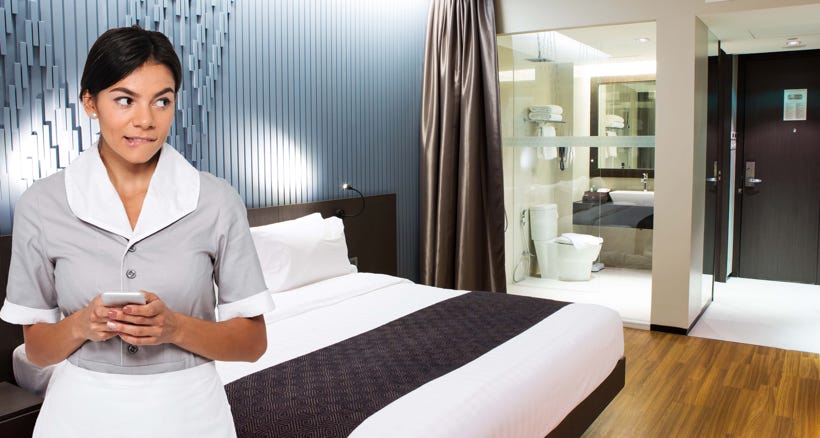
Merely having possession of a cell phone, visible or not, decreases employees' ability and productivity. As a result, employers are becoming more perplexed and burdened with managing cell phone use in the workplace.








Our solution
A smart locker that ends unauthorized phone use
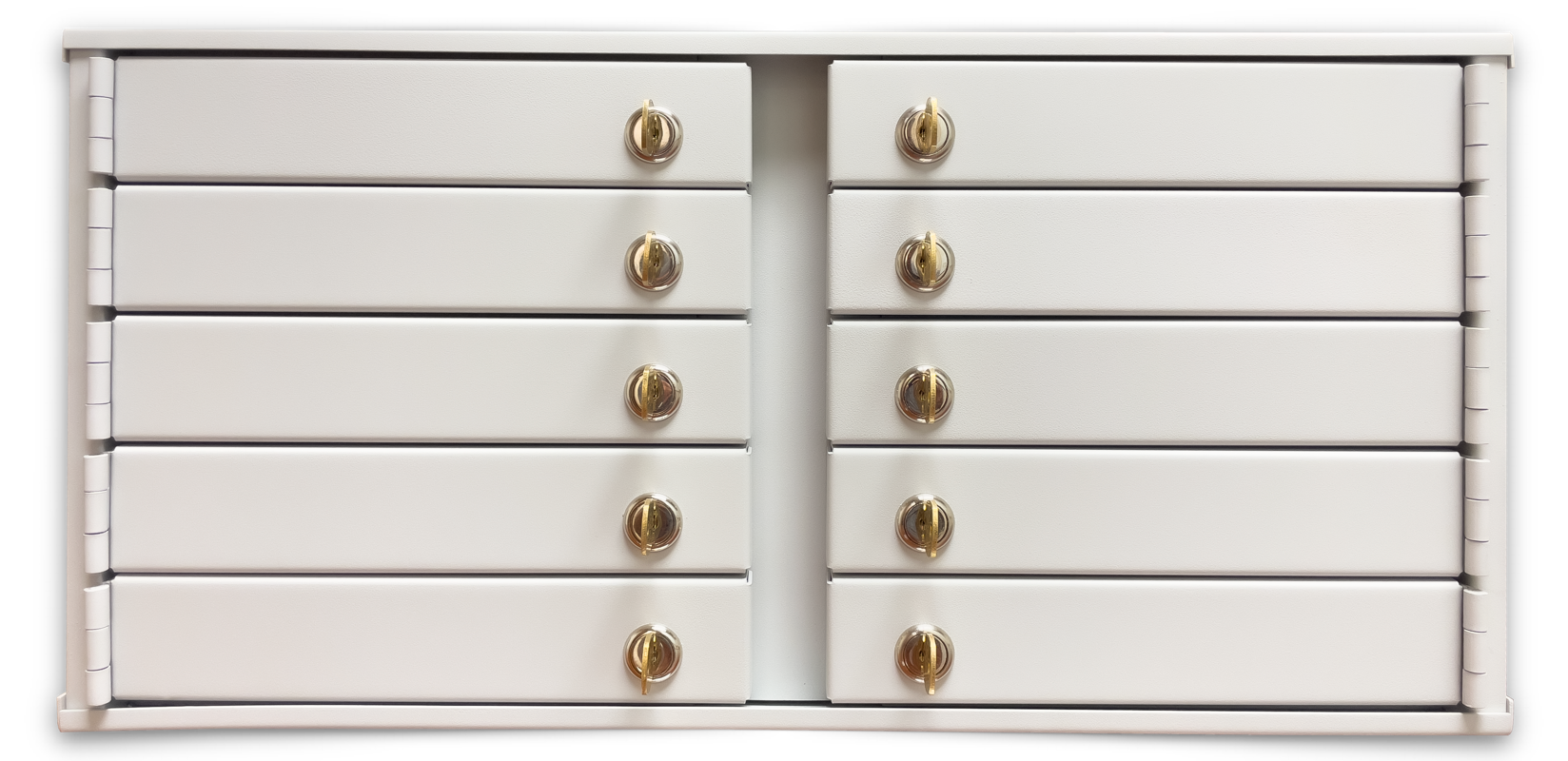
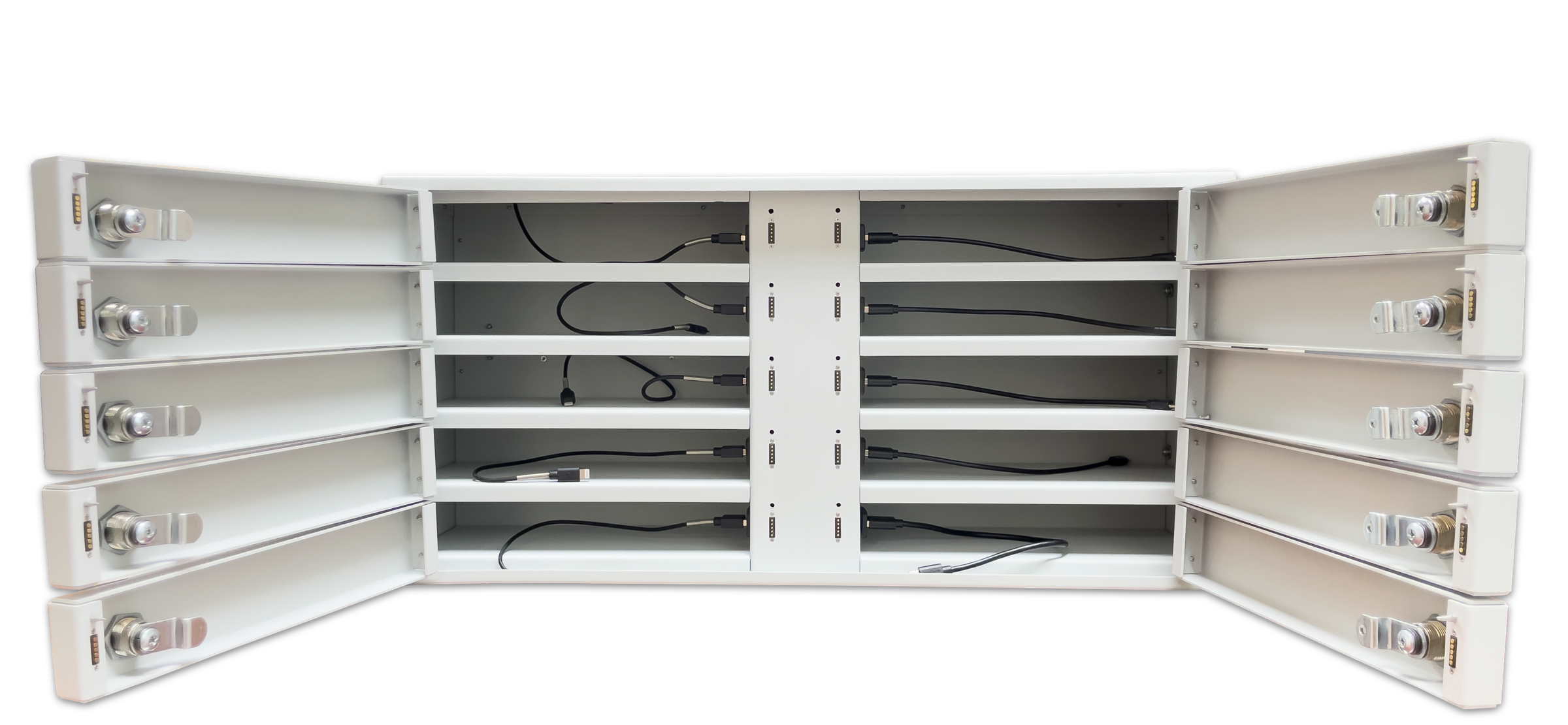
The PhoneLess locker physically stores employees' phones, making it impossible to use while on the clock. Our proprietary software, combined with our patented locker, creates a PhoneLess work environment that increases productivity and grows your bottom line.
- 1
Patented smart locker
A bank of individual cell phone lockers, each with a USB port that charges the phone while it is stored away.
- 2
Unique phone identity
Each phone carries a unique identifier tied to an employee — no apps, no passcodes, no personal data.
- 3
Software built for payroll
Managers and HR access accurate PhoneLess hours online, ready to hand off to payroll.

Time tracking
Track the hours actually worked
PhoneLess takes the biggest distraction — the cell phone — out of the workplace.
All other time clocks and POS systems are limited to clocking employees in and out. They allow employees to be clocked in even when they are on their phone and not working — higher labor costs, lower productivity.
PhoneLess' innovative smart locker, with its integrated software, will revolutionize your company's cell phone policies and let you keep track of how many hours are actually worked without a cell phone.
FAQs
Questions employers ask us

- Is it illegal to require employees to lock up a personal cell phone while working?
- No federal or state laws prohibit employers from restricting cell phone use or cell phone access during paid work hours. In addition, many states' Court of Appeals cases have upheld the rights of the employer to restrict cell phones. Employees should be expected to give their undivided attention they are paid to perform.
- Can personal information be extracted from an employee's phone while connected to a PhoneLess Locker?
- The smart locker does not bypass any passcodes and cannot collect any data besides a unique ID that identifies who is at work.
- Does the phone need to install any additional software to work?
- No software or apps are needed on the employees phone.
- What type of phones does the locker support?
- PhoneLess will support all Apple and Android phones along with any non-smart phone previously released and all future phones without any updates or modifications.
- What if one of my employees doesn't have a cell phone?
- Only 3% of the United States population don't have a cell phone; for those people, they can be assigned a PhoneLess USB drive that will act as their cell phone.
- How would an employee clock in if they forget their phone?
- Like many other time clock systems, a manager can enter the hours for that day manually.
- Does the PhoneLess locker also charge the phone?
- Yes, while the employee's phone is locked away, it will be charging.
- Is PhoneLess only beneficial for hourly employees?
- No, PhoneLess works great for both hourly or salaried employees as rewards may be tracked and given instead of only keeping time.
Get started
Go PhoneLess at work
Tell us about your team and we'll show you how much paid phone time PhoneLess can win back.
(435) 634-8890